Business Details
Prepare your business information and Meta business portfolio access.
Connect with customers, launch campaigns, automate replies and manage every conversation from one powerful platform — Chiranjeevi Bhav Digital Mission.

The WhatsApp Business Platform (Cloud API) helps businesses manage customer conversations at scale through software. Connect messaging workflows with campaigns, shared inboxes, automated replies and business systems.
Unlike the free WhatsApp Business app, the API is designed for integration with business software and team workflows. Available tools depend on your platform plan and configuration.
Illustrative chat workflow — not a live product screenshot
Understand the difference before choosing how your business will communicate.
| Capability | Business App | Business API / Cloud API |
|---|---|---|
| Best suited for | Small teams and manual conversations | Growing teams and integrated workflows |
| Customer conversations | App-based messaging | Software-connected messaging |
| Automation | Basic greeting and away messages | Workflows and chatbots through connected software |
| Team collaboration | Linked-device access | Shared inbox through supported software |
| Business integrations | Limited native options | API integrations and webhooks |
| Outbound campaigns | App broadcast features | Approved templates subject to Meta policies |
Simplify daily communication, improve response times and make every customer interaction more meaningful.
Create, schedule and manage targeted WhatsApp campaigns for your audience.
Keep customer communication organized in a familiar chat interface.
Use automated bot replies to respond to common questions and enquiries.
Create and manage templates to keep your messaging consistent.
Organize your audience and reach the right customer groups.
Connect business tools and streamline messaging workflows.
See how our features fit into your day-to-day business communication.
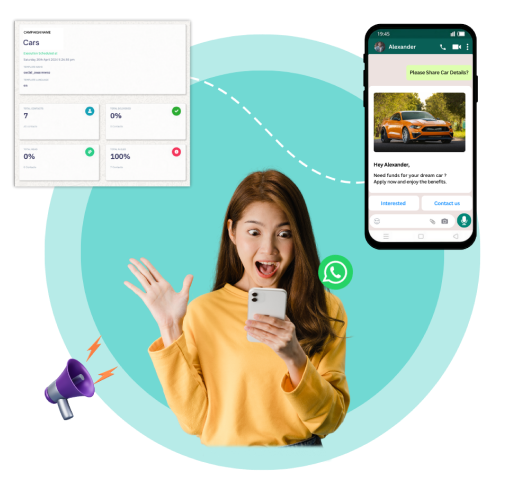
Plan broadcasts, segment contacts and schedule messages to reach your audience at the right moment.
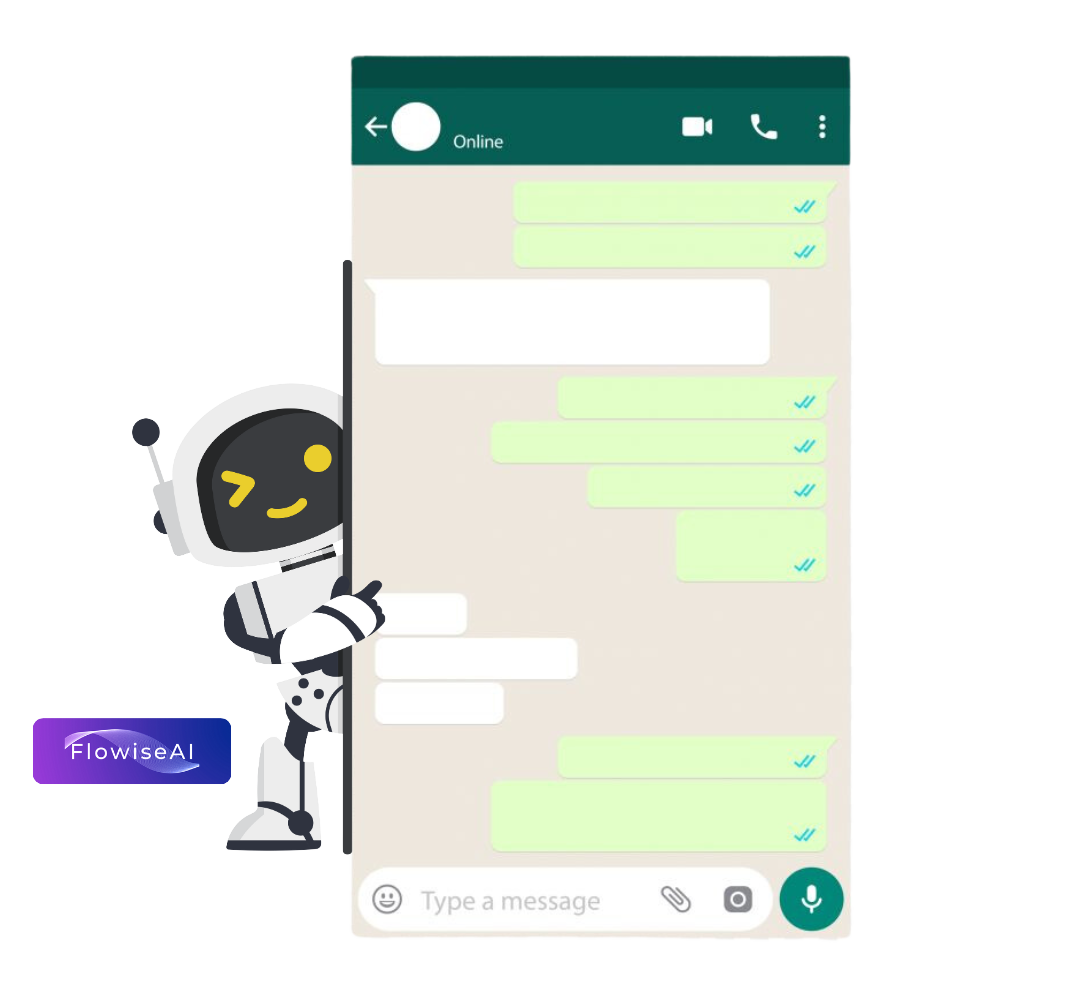
Use bot replies and Flowise AI integration to handle repetitive questions and create helpful automated conversations.

Customize application colors and work with an organized interface designed for daily business operations.
A straightforward way to organize and scale your WhatsApp communication.
Get started with your business workspace and plan.
Complete the supported WhatsApp onboarding process.
Prepare templates, contacts and automation flows.
Manage conversations and keep communication moving.
A practical overview of the typical Cloud API onboarding journey. Requirements and availability are determined by Meta and your account configuration.
Prepare your business information and Meta business portfolio access.
Connect an eligible WhatsApp phone number using the supported onboarding flow.
Prepare message templates and submit them for Meta approval when required.
Configure contacts, consent and campaigns, then monitor messaging results.
Set the right expectations before starting WhatsApp Business API campaigns.
Obtain appropriate customer opt-in. Business-initiated messages generally use approved templates, and all messages must follow Meta policies.
When a customer messages your business, a 24-hour customer service window typically opens. Outside it, approved templates are required to initiate messaging.
Meta charges can vary by message category and recipient market. Marketing, utility and authentication templates may have different rates; platform subscription charges are separate.
Explore available plans and choose the features your team needs. WhatsApp Cloud messaging charges may apply separately.
Create an account, choose a plan and follow the onboarding steps to set up your WhatsApp business workspace.
Yes. The platform includes campaign creation and scheduling features for your selected contacts and groups.
Yes. Bot replies and Flowise AI integration are included among the platform capabilities. Availability may depend on your plan and configuration.
WhatsApp Cloud messaging charges may apply separately. Please review the applicable Meta pricing and your selected subscription plan.
The Business App is designed for direct app-based conversations. The Cloud API lets eligible businesses connect WhatsApp messaging to software, shared inboxes and automated workflows.
Yes. Obtain appropriate opt-in and follow WhatsApp Business Messaging Policy. Use approved message templates for applicable business-initiated messages.
These are Meta template message categories. Marketing includes promotions; utility includes relevant transactional updates; authentication includes verification messages. Meta determines applicable categories and pricing.
Use the supported Meta onboarding process with an eligible phone number and business information. Existing-number migration and coexistence options depend on current Meta eligibility rules.
Bring campaigns, automation and customer conversations into one connected workspace.